Useful before elaborate.
Add an item, choose a date, and make the next step clear.
AN INDEPENDENT PRODUCT EXPLORATION
A little less remembering.
A little more living.
Exploring a calmer way to stay ahead of trials, renewals, warranties, and important expiry dates.
Interactive prototype · Fictional data · No active notifications
Product thinking & interaction design
Interactive prototype + app concepts
Iterative, with AI-assisted development
A trial quietly turns into a charge. A membership renews before you review it. A document expires when you need it most.
Most of us have forgotten to cancel a free trial, missed a renewal, or discovered an expired document at the wrong moment. Don’t Lose Track started with a simple question: could keeping ahead of those dates feel easier?
The idea is one clear place for the date, the context, and the reminder choices—without asking people to manage another complicated system.
Add an item, choose a date, and make the next step clear.
Plan for on-device storage, minimal permissions, and no required account.
Warm cream, forest green, layered abstract curves, and a little depth.
Help someone feel settled, then invite them to add one useful item.
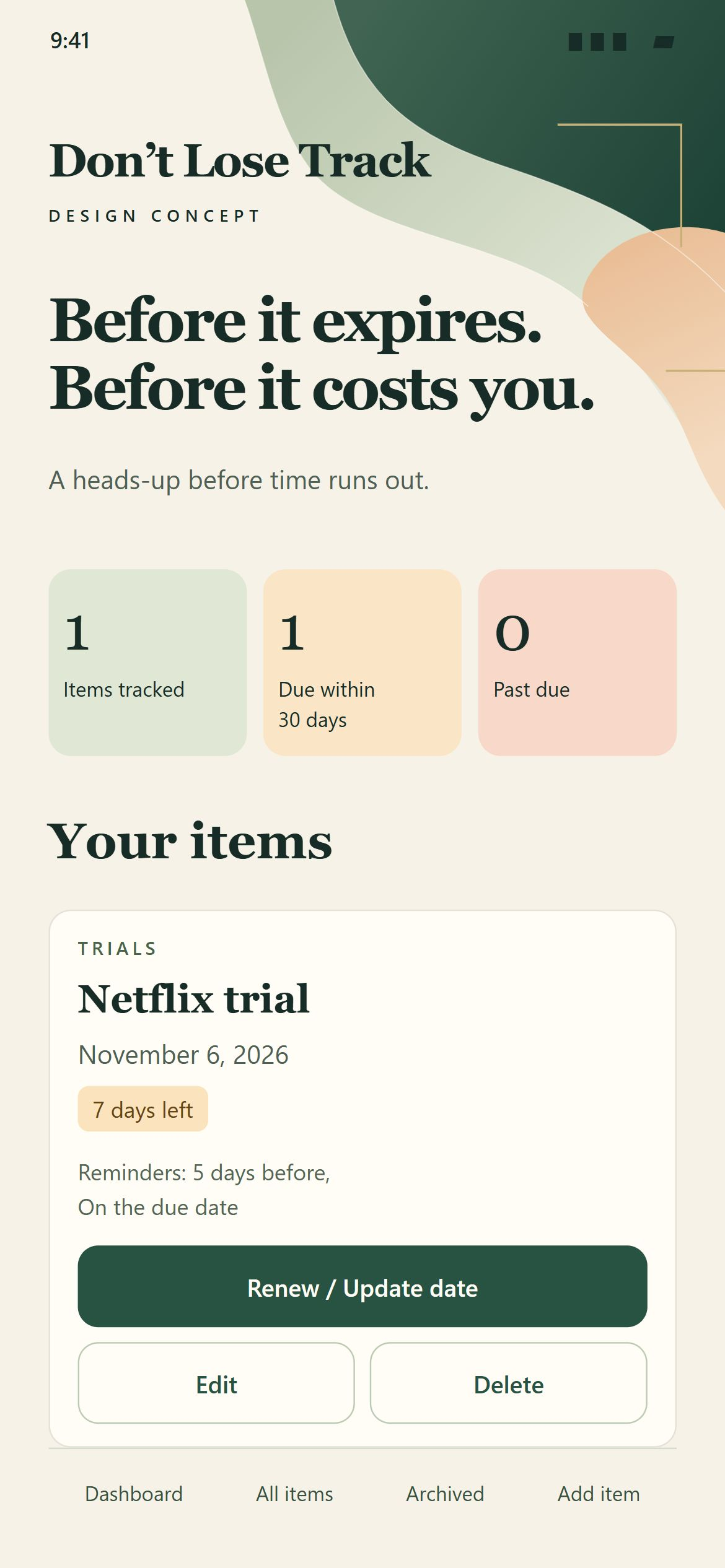
Select a screen to look closer. These are visual concepts for the planned installed app.
A warm introduction, with room to breathe.
Explain the value and respect the choice.
An invitation to begin. A clear option to skip.
A name, a date, and choices that make sense.
This fuller confirmation appears during setup only.
Clear dates, useful filters, and familiar actions.
Skipping setup leads to a clean, useful empty state.
After “Enable notifications,” the phone shows its own permission prompt. Its appearance is controlled by iOS or Android. Declining should not block the rest of the app.
The prototype has changed through small, specific conversations about what would feel clearer, safer, and easier to use.
A strict typed date format created friction. Separate month, day, and year fields removed the need to type dashes.
“Due within 30 days” and “Past due” became tappable filters. Category choices work alongside them.
Delete opens a choice to archive instead. Records can leave the active list without being permanently removed.
Account syncing and app-sent email add cost and responsibility. The agreed direction prioritises local storage, phone reminders, optional calendar export, and manual backups.
One reminder time for every entry. Discreet wording by default. Settings offers a little control without adding decisions to the first setup. Choosing the due date also includes a heads-up one day before; there are no alerts after the due date.
Explore demo Settings ↗ (new tab)YOU CAN TRY TODAY
Entries stay in the current tab and reset on refresh. Reminder selections do not send notifications.
PLANNED FOR THE PHONE APP
These capabilities are planned and have not yet been implemented or validated on real devices.
This project is being shaped through product decisions, visual exploration, and AI-assisted prototyping. The screens above are design concepts; the interactive demo is a separate working prototype.
TAKE A LOOK AROUND
Explore the phone demo with fictional data. Nothing you enter is saved.